
Filters

Braille Notetakers and Displays | Low Vision Supply

10 products

Showing 1 - 10 of 10 products

Showing 1 - 10 of 10 products
View
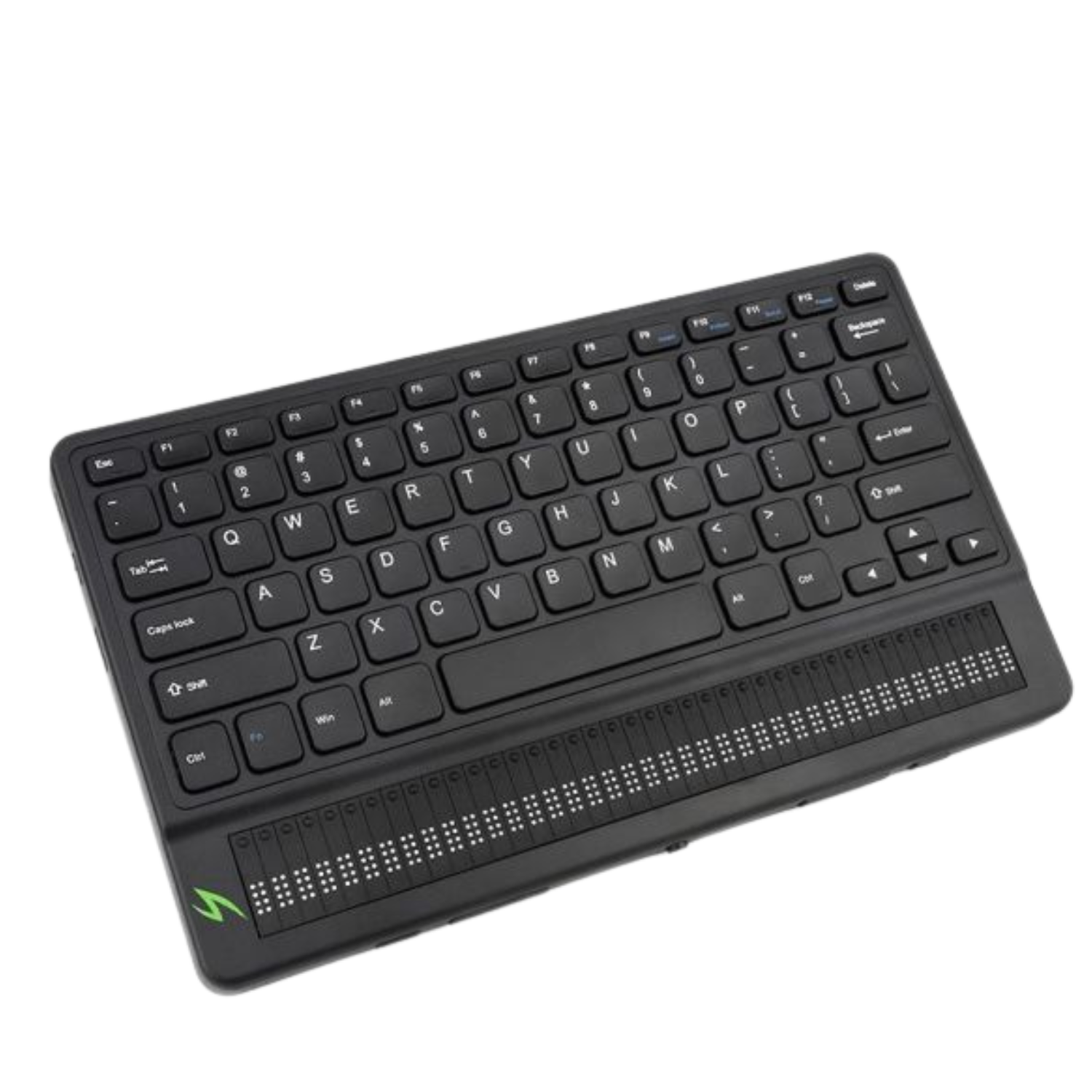
Left side of Mantis Q40 braille keyboard.
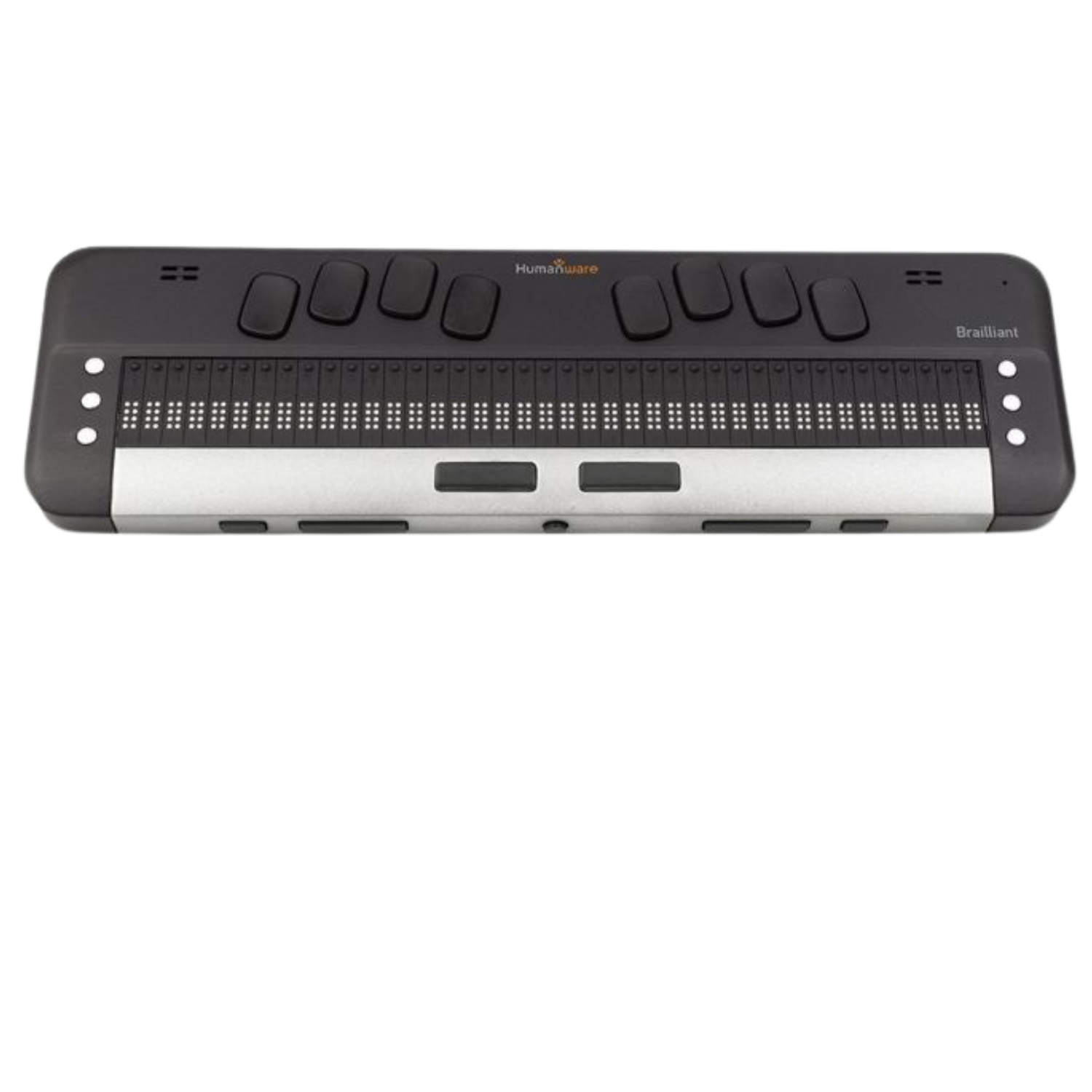
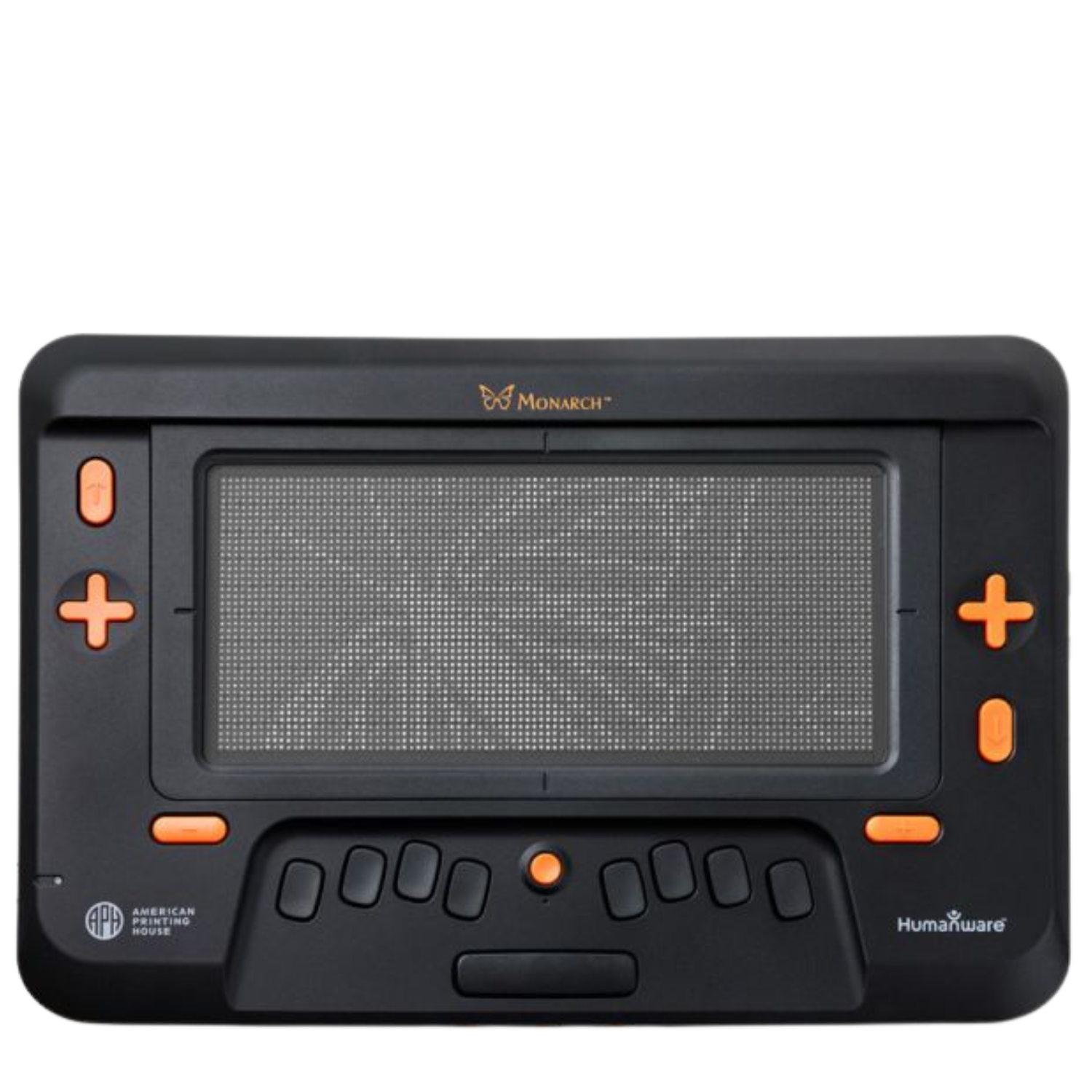
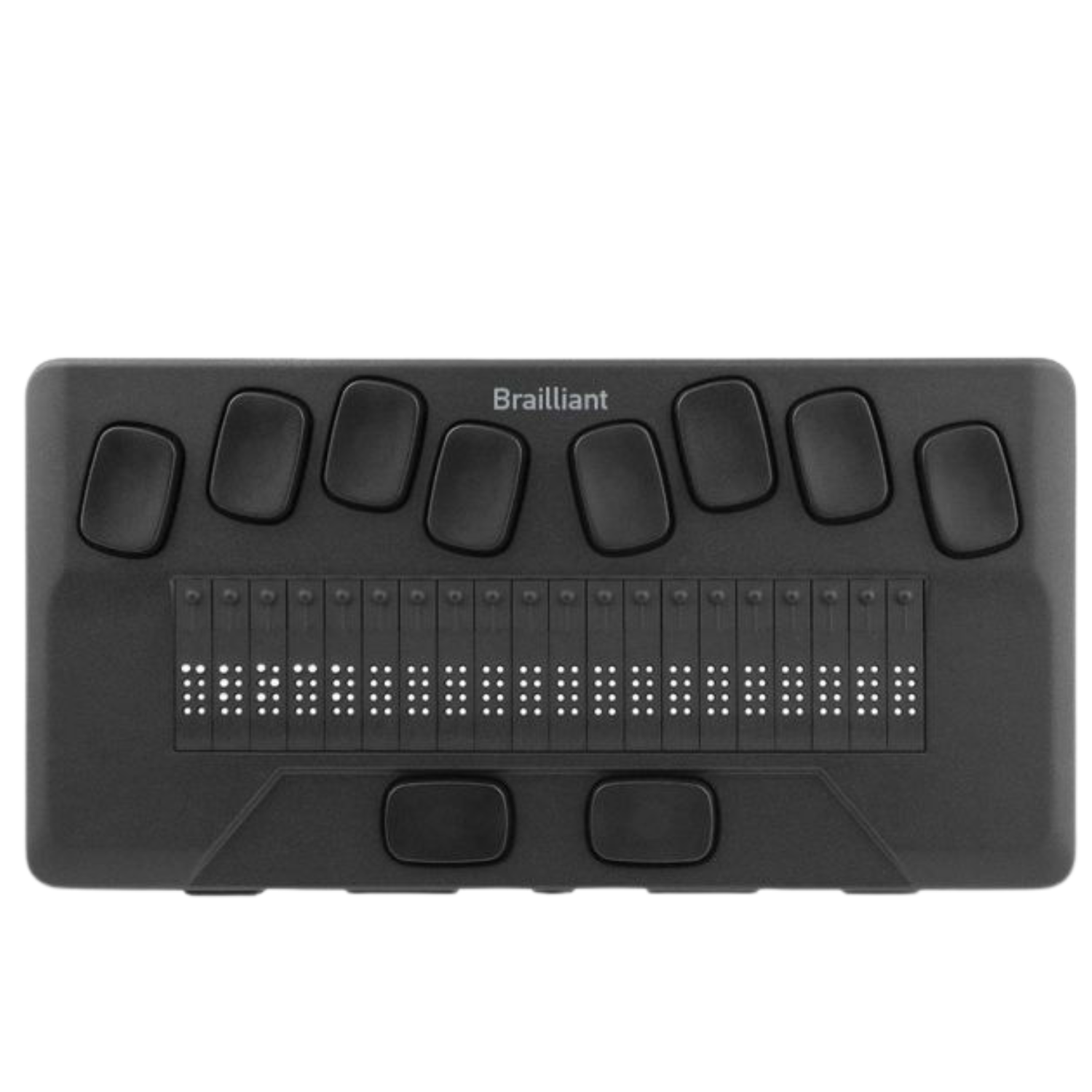
Top of Brailliant BI 40x braille notetaker and display.
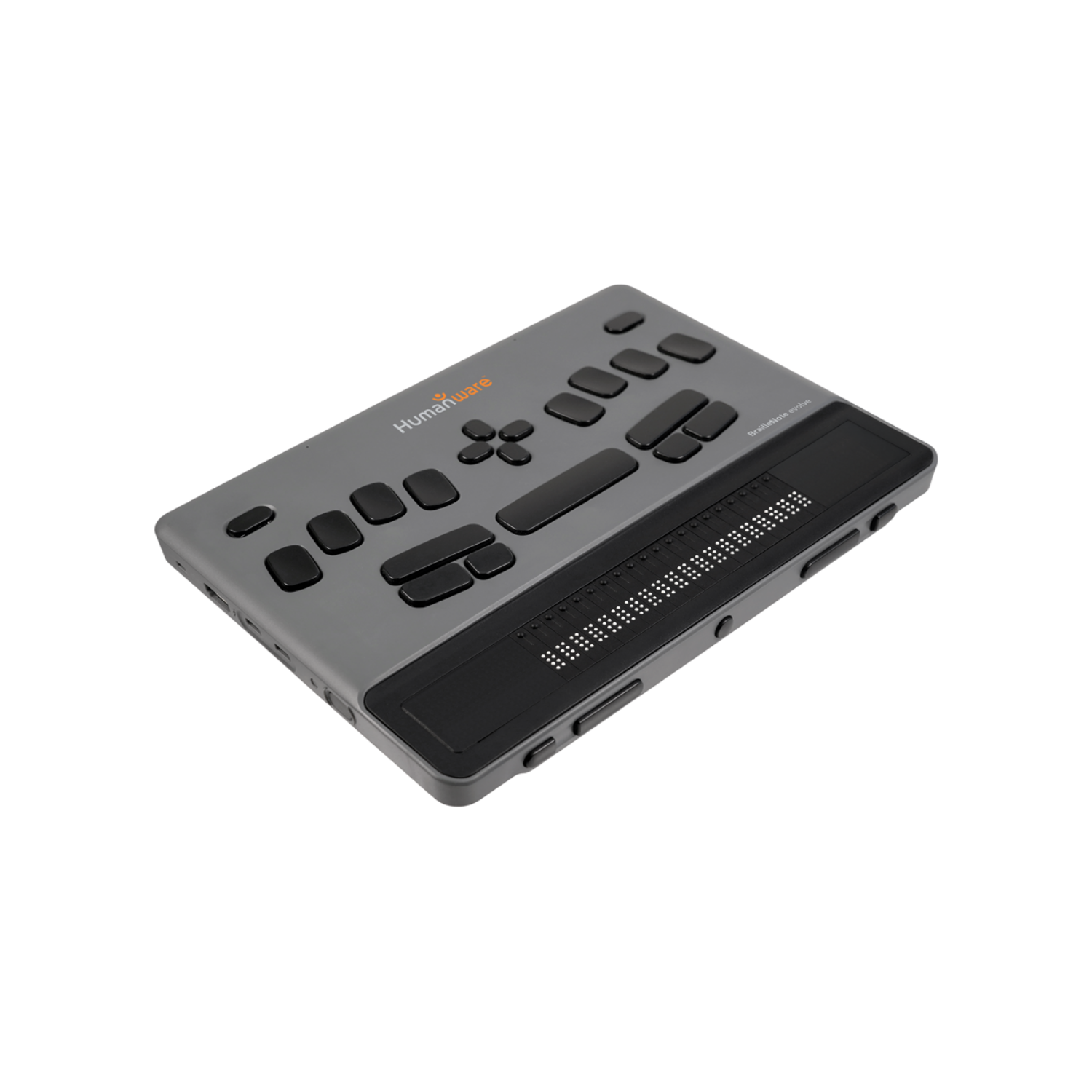
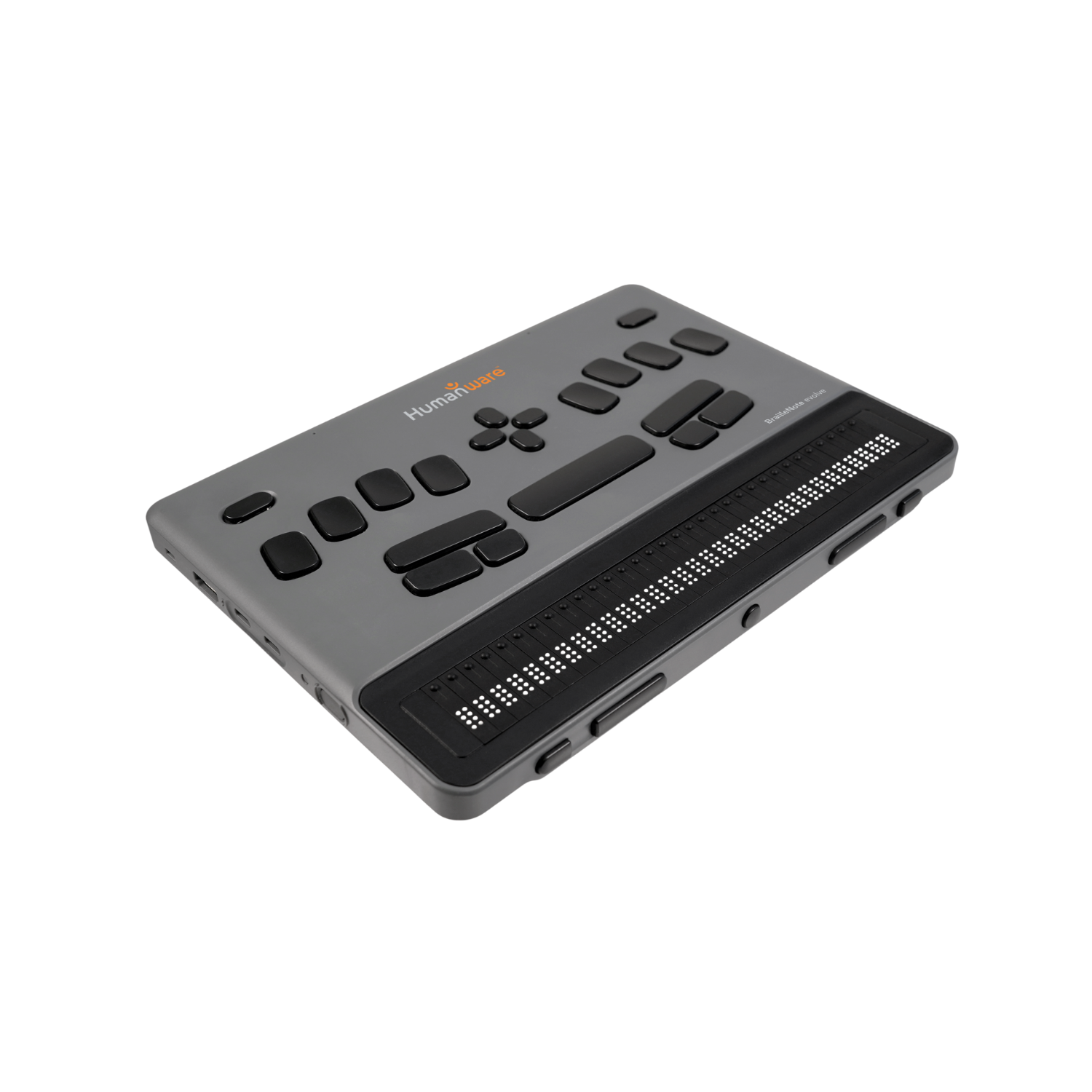
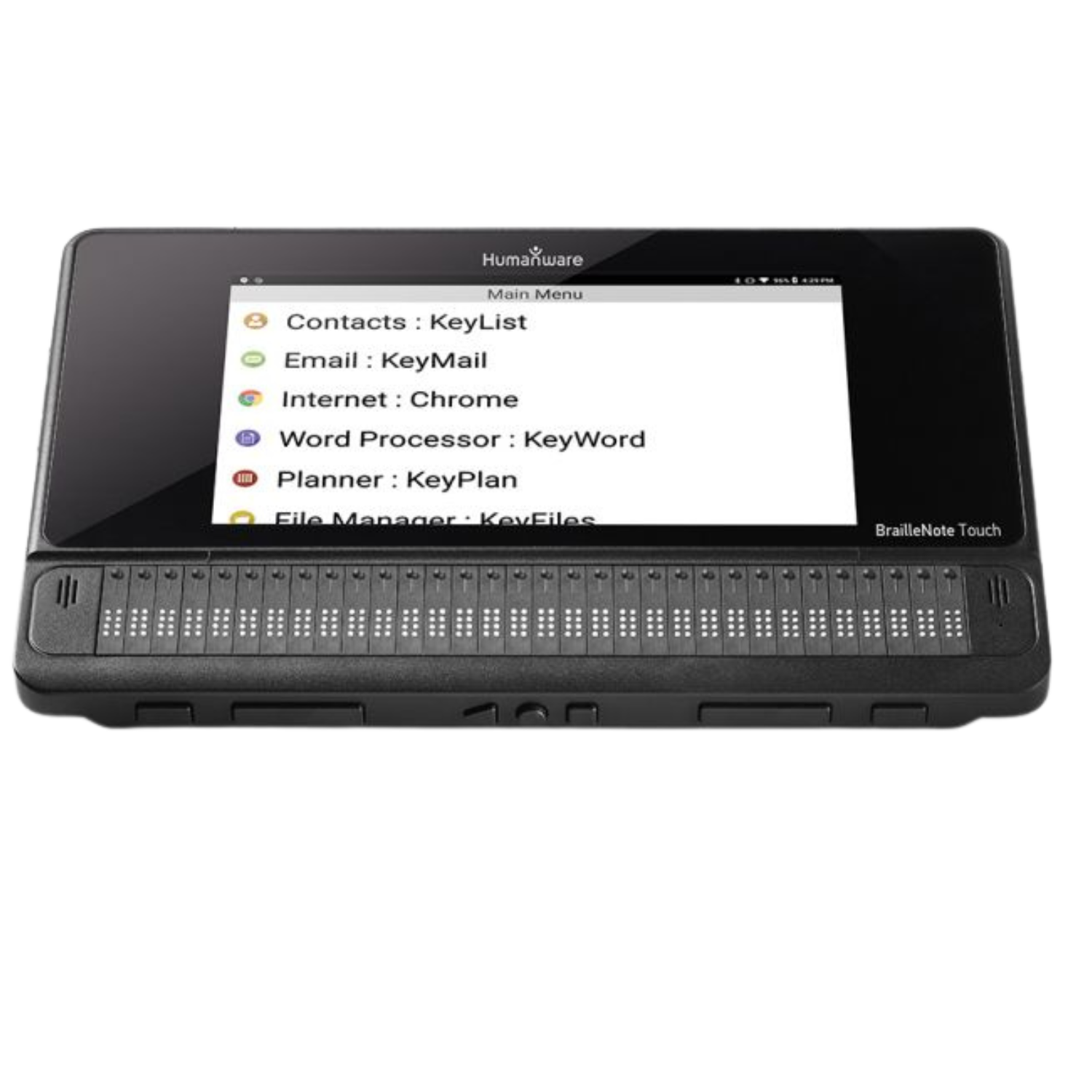
BrailleNote Touch Plus 18-cell notetaker.
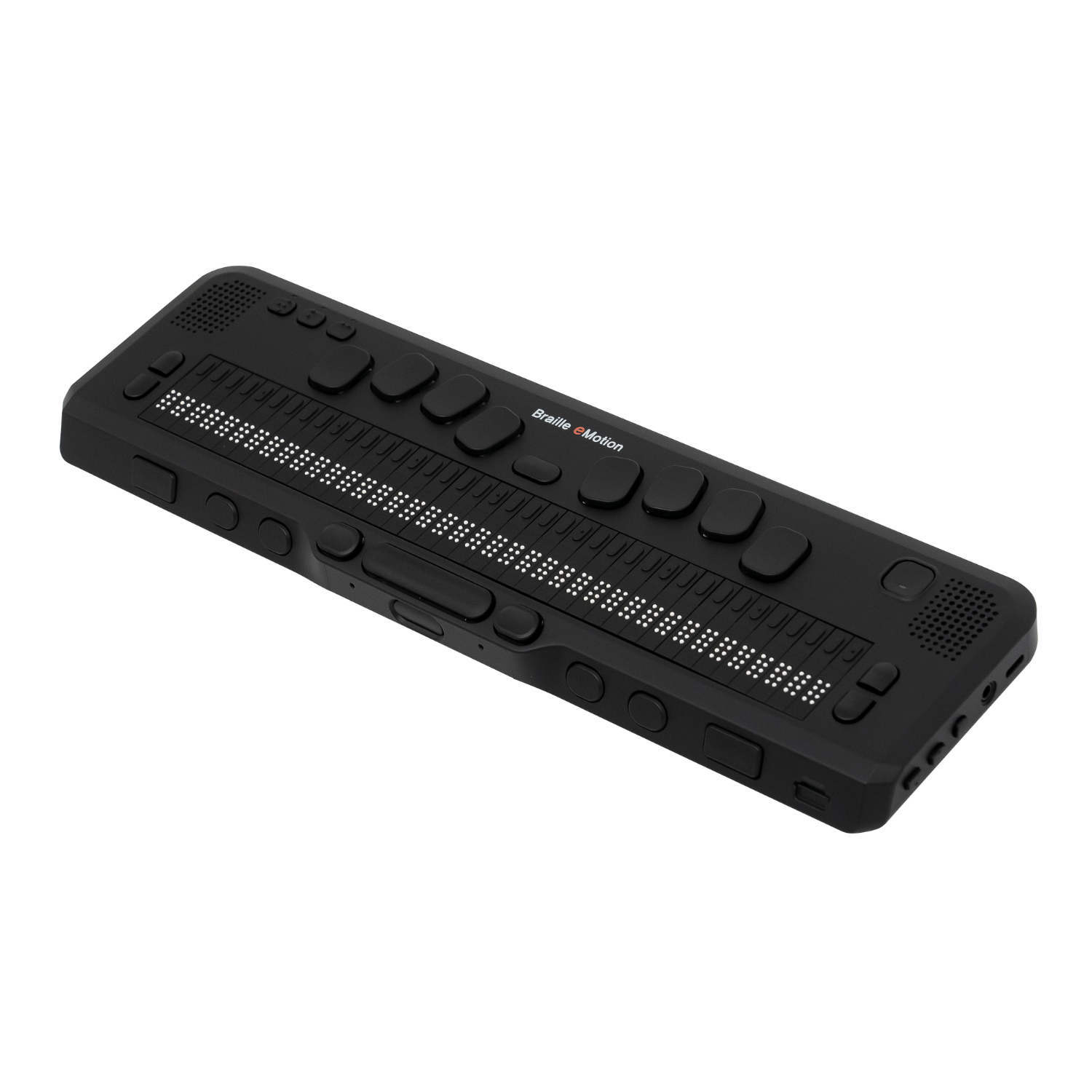
Braille eMotion 40 notetaker and braille display from HIMS.
Left side of QBraille XL notetaker.

Stay Connected with Braille Displays

Refreshable braille displays transform on-screen text into braille in real time, making computers and mobile devices more accessible. Whether you’re reading, writing, or navigating apps, these displays provide accurate tactile feedback. Portable designs make them practical for students and professionals who need accessibility on the go.

Recently viewed

Reliable Tools for Education and Work

From classrooms to offices, braille technology supports literacy and independence. Notetakers and displays are essential for managing assignments, staying productive at work, and accessing digital resources with ease. Trusted brands like HumanWare and Selvas ensure long-lasting quality and dependable performance.

Low Vision Resources

See More
Students raising hands in classroom.

Funding Assistive Technology for Visually Impaired Students

A comprehensive guide for schools to access IDEA grants and other funding for assistive technology.

Blind student reading braille.

2026 Assistive Technology Funding Guide

Learn more about how schools, libraries, and non-profits can secure funding for assistive technology for the blind and visually impaired.

Blind student learning braille with a TVI.

Scholarships and Grants for the Blind and Visually Impaired - 2026

Your 2024 guide to scholarships for the blind and visually impaired.

Boost Productivity with Braille Notetakers

Braille notetakers combine writing, file storage, and connectivity in one accessible device. With built-in braille keyboards, they make note-taking fast and accurate while also supporting email, assignments, and professional documents. These tools simplify learning and work by bridging tactile input with digital integration.

Questions About Braille Devices?

Selecting the right braille technology can feel overwhelming, but you don’t have to decide alone. The team at Low Vision Supply offers free consultations and tailored recommendations to help you compare models and find the device that best fits your goals.

Contact Us

Assistive Technology News

Learn More
Person wearing glasses holding Victor Reader while sitting at a desk.

Victor Reader Stream 3 Update Improves Control and Connectivity

The latest Victor Reader Stream 3 update delivers smarter navigation, enhanced podcast management, expanded Bluetooth functionality, and important stability improvements for everyday listening.

Woman with dark hair at an office desk wearing Ray-Ban Wayfarer smart glasses.

Ray-Ban Meta Gen 2 Smart Glasses: A Hands-Free AI Assistant

The Ray-Ban Meta Gen 2 smart glasses combine voice control, open-ear audio, and AI-powered visual descriptions into a wearable, hands-free experience.

Magnifying glass making text appear larger.

How to Use a Magnifier the Right Way

Using a magnifier isn't just about enlarging text—it's about using it right. Discover how proper focal distance, lighting, and vision testing improve clarity and comfort.